



Common Cybersecurity Threats on Public Wi-Fi Networks
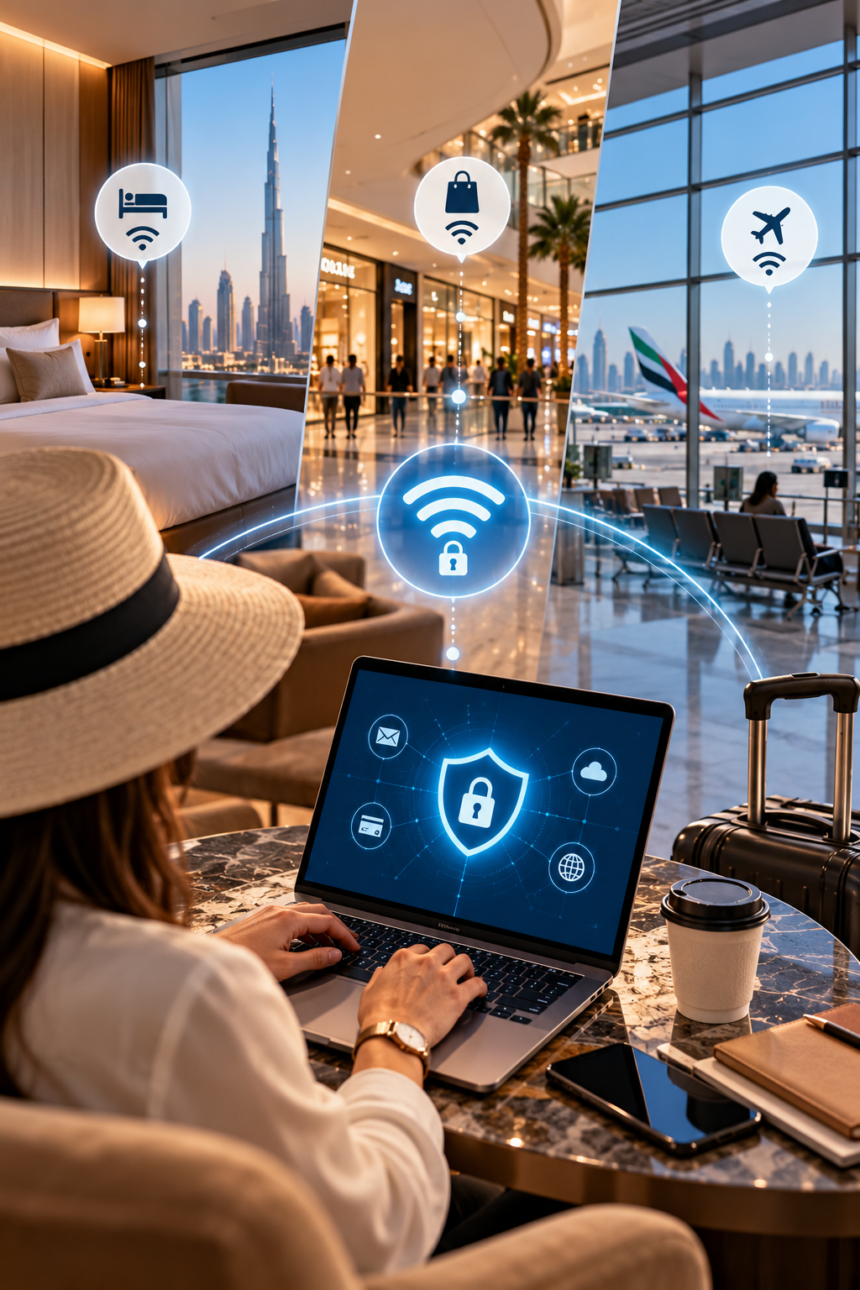
Public Wi-Fi safety in UAE is becoming increasingly important as residents, tourists and business travellers rely on free internet connections throughout their daily activities. Whether you are checking emails at a Dubai hotel, browsing social media inside a shopping mall or downloading travel documents at an airport, public Wi-Fi offers convenient access to the internet without using mobile data.
- Why Public Wi-Fi Safety in UAE Matters
- Common Cybersecurity Threats on Public Wi-Fi Networks
- How to Identify Safe and Legitimate Public Wi-Fi in the UAE
- Staying Safe When Using Hotel Wi-Fi in Dubai and the UAE
- Staying Safe on Shopping Mall Wi-Fi in the UAE
- Staying Safe on Airport Wi-Fi in Dubai, Abu Dhabi and Sharjah
- 10 Essential Public Wi-Fi Safety Tips Everyone Should Follow
- What to Do If Your Information Is Compromised on Public Wi-Fi
- Final Thoughts on Staying Safe on Public Wi-Fi in the UAE
The UAE is known for its modern digital infrastructure, with internet connectivity available across numerous hotels, airports, shopping centres, restaurants and public spaces. These services make it easier for people to stay connected while travelling, working remotely or exploring the country.
However, free internet access can introduce cybersecurity risks when users connect to unfamiliar or poorly secured networks. Cybercriminals may create fraudulent Wi-Fi hotspots, attempt to intercept vulnerable communications or trick users into sharing passwords and financial information.
In August 2025, the UAE Cyber Security Council warned about risks associated with untrusted public Wi-Fi networks, reporting more than 12,000 breaches involving such networks during that year up to the announcement. The warning highlighted the importance of protecting personal information when connecting to shared internet services.
Fortunately, using public Wi-Fi does not automatically mean your information is exposed. Modern encryption, secure websites, updated devices and responsible browsing habits can significantly reduce common risks.
Understanding how to identify legitimate networks, protect sensitive information and recognise suspicious activity is essential for anyone using free internet services in the UAE.
This guide explains the most important public Wi-Fi safety practices for hotels, malls and airports, along with practical steps to keep your devices, accounts and personal information secure.
Why Public Wi-Fi Safety in UAE Matters
Public Wi-Fi has become an essential part of modern travel and everyday life. In a country where digital payments, online bookings and mobile applications are widely used, internet connectivity helps people access important services quickly.
Visitors may need internet access to check hotel reservations, download boarding passes, use navigation applications or communicate with family members. Residents often connect to public networks while shopping, attending business meetings or working from cafés.
Although these networks offer convenience, they are not always managed with the same level of security as private home or corporate connections.
How Public Wi-Fi Networks Work
Public Wi-Fi allows multiple users to access the internet through a shared wireless network. Hotels, airports and shopping centres typically provide internet access through professionally managed systems, sometimes requiring users to accept terms and conditions or register through a login page.
Some networks use passwords, while others allow visitors to connect without entering credentials.
An open network does not necessarily mean every activity is exposed. Many modern websites and applications encrypt data independently through secure connections.
Nevertheless, public networks can create additional opportunities for attackers when devices are outdated, security settings are weak or users are tricked into visiting fraudulent websites.
Why Cybercriminals Target Public Networks
Public Wi-Fi networks attract large numbers of users, making them appealing environments for certain types of cybercrime.
Airports and shopping malls are especially busy locations where people may connect quickly without carefully checking the network name.
Attackers may exploit this behaviour by creating fraudulent hotspots with names resembling legitimate services.
For example, a traveller searching for airport Wi-Fi might see two networks with nearly identical names. One could belong to the airport, while the other might be operated by someone attempting to collect information through a deceptive login page.
Who Should Be Particularly Careful?
Everyone should practise safe browsing, but certain users may face greater consequences if sensitive information is exposed.
Business travellers often access company documents, work email and confidential communications. Tourists may use banking applications, travel booking platforms and digital identification documents.
Families may connect several devices simultaneously, including tablets used by children who might not recognise suspicious websites.
Taking a few precautions before connecting helps reduce unnecessary exposure for all these users.
Common Cybersecurity Threats on Public Wi-Fi Networks
Understanding potential threats is the first step towards protecting yourself. Public Wi-Fi risks can involve fraudulent networks, malicious websites, insecure applications and attempts to obtain personal information.
Fake Wi-Fi Networks
One common threat involves fraudulent hotspots, sometimes called evil twin networks.
An attacker creates a wireless network using a name that resembles a legitimate hotel, airport or shopping mall connection.
Users may connect because the name looks familiar or the signal appears stronger.
The attacker might then display a fake login page requesting an email address, password or payment details. This information can potentially be used for account theft or other fraudulent activities.
The simplest precaution is to confirm the official network name directly with authorised staff before connecting.
Man-in-the-Middle Attacks
A man-in-the-middle attack occurs when an unauthorised party positions itself between users and the services they are accessing.
Under certain conditions, attackers may intercept or manipulate vulnerable communications, particularly when an application uses inadequate encryption.
Modern HTTPS websites and properly configured encrypted applications substantially reduce this risk.
However, users should never ignore browser warnings about invalid certificates or insecure connections. Such warnings may indicate a technical problem or an attempted attack.
Phishing and Fraudulent Login Pages
Phishing occurs when attackers impersonate trusted organisations to obtain sensitive information.
A suspicious public Wi-Fi portal might ask users to enter banking credentials, social media passwords or other information unrelated to internet access.
Legitimate networks may require registration or acceptance of terms, but requests for financial account passwords or one-time banking codes should raise immediate concern.
Users should also avoid opening unexpected links received through messages, emails or pop-up advertisements.
Malware and Unsafe Downloads
Malware is harmful software designed to steal information, disrupt devices or provide unauthorised access.
Public Wi-Fi does not automatically install malware, but attackers may attempt to direct users towards fraudulent downloads or software updates.
A pop-up claiming that you must install a special application to continue browsing should be treated cautiously.
Applications and security updates should normally be obtained through official app stores or the device manufacturer’s trusted update system.
Data Exposure Through Sharing Settings
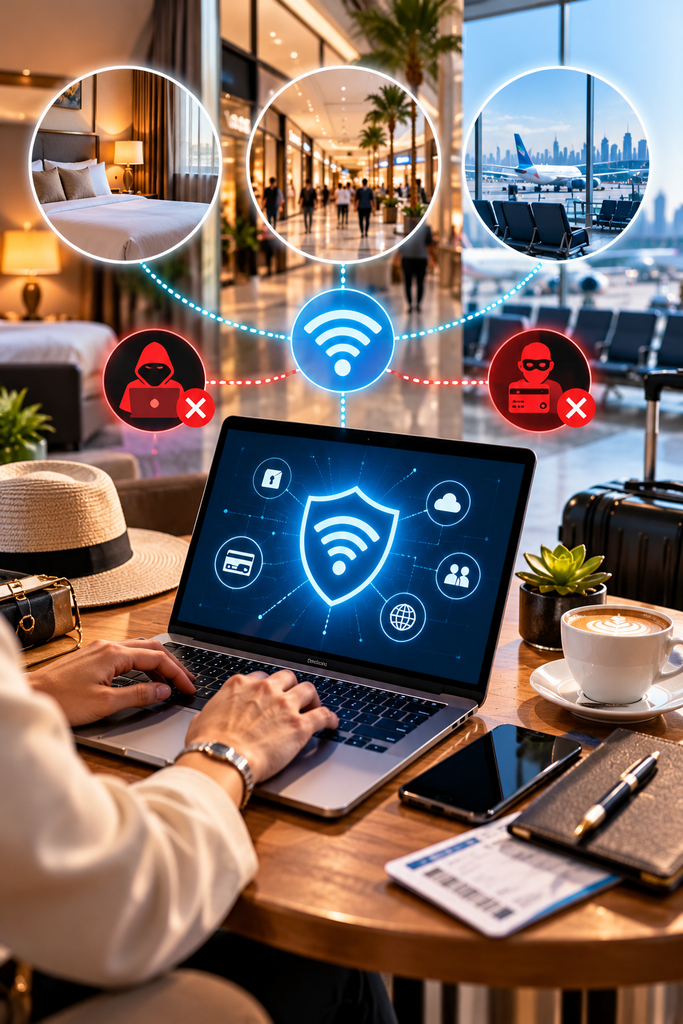
Some devices allow file sharing, network discovery or other connections with nearby equipment.
Leaving unnecessary sharing features enabled on an untrusted network can increase exposure, particularly when device security settings are weak.
Disabling public file sharing and ensuring that your network is treated as a public connection can reduce this risk.
| Potential Threat | What Could Happen | Recommended Precaution |
|---|---|---|
| Fake hotspot | Users connect to a fraudulent network | Verify the network name |
| Phishing page | Passwords or personal details are stolen | Avoid suspicious login requests |
| Insecure communication | Vulnerable data may be intercepted | Use HTTPS and secure applications |
| Malware | Harmful software affects the device | Avoid unknown downloads |
| Unnecessary file sharing | Device resources become exposed | Disable public sharing |
| Automatic reconnection | Device joins an unwanted hotspot | Turn off auto-join |
How to Identify Safe and Legitimate Public Wi-Fi in the UAE
Before connecting to a wireless network, take a moment to verify that it belongs to the organisation providing the service.
This small precaution can prevent many problems associated with fraudulent hotspots.
Confirm the Official Network Name
Hotels, shopping malls and airports may display Wi-Fi instructions on information boards, room directories, reception desks or official service pages.
However, attackers can imitate familiar names, so recognising a network name alone is not proof of authenticity.
When uncertain, ask hotel reception, mall customer service or airport staff to confirm the correct network details.
Avoid selecting unfamiliar networks simply because they offer free internet without registration.
Understand Open and Password-Protected Networks
Password-protected Wi-Fi generally offers stronger wireless access security than an open hotspot when modern encryption is configured correctly.
However, passwords do not guarantee that the network operator is trustworthy, and some shared-password arrangements provide limited protection between users.
Similarly, an open network is not necessarily dangerous for every activity because secure websites and applications use their own encryption.
The safest approach combines network verification, encrypted connections and cautious handling of sensitive information.
Check Website Security
When browsing, look for HTTPS connections, particularly when entering account credentials or personal details.
HTTPS helps protect information transmitted between your browser and the website against interception or modification.
Nevertheless, the padlock symbol does not guarantee that a website is legitimate. Fraudulent websites can also use HTTPS.
Always check that the website address belongs to the organisation you intended to visit.
Avoid Suspicious Registration Requests
Some legitimate public Wi-Fi services require a phone number, room number, email address or acceptance of usage conditions.
Such requests vary depending on the provider.
However, a Wi-Fi registration page should not require your online banking password, payment card PIN or authentication code.
If the page requests unnecessary sensitive information, disconnect and ask staff to confirm the registration procedure.
Disable Automatic Connections
Many smartphones and laptops can remember previously used networks and reconnect automatically.
Although convenient, this behaviour may expose users to unwanted connections when a familiar network name appears in another location.
Consider disabling automatic joining for public hotspots and removing saved networks when they are no longer needed.
This allows you to make a deliberate decision each time you connect.
Staying Safe When Using Hotel Wi-Fi in Dubai and the UAE
Hotels are among the most convenient locations for public internet access. Guests regularly use Wi-Fi to communicate, stream entertainment, work remotely and organise travel arrangements.
However, hotel networks often serve numerous guests, employees and devices simultaneously.
Verify the Network at Reception
Before connecting, confirm the Wi-Fi name and login instructions with the hotel reception or concierge.
Avoid relying on unofficial notices, unexpected messages or network names that merely resemble the hotel’s brand.
If the hotel provides a password or room-specific access details, enter them only through the confirmed connection process.
Use Extra Protection for Work
Business travellers frequently use hotel Wi-Fi to access professional documents, company email and online meeting platforms.
Before opening confidential information, check your employer’s remote-working security requirements.
Some organisations require approved VPN software, managed devices or additional authentication before accessing internal systems.
Do not install unfamiliar VPN applications simply because they promise anonymity. Select reputable services approved by your organisation where applicable.
Avoid Sensitive Financial Activity
When possible, use a trusted mobile data connection for high-risk activities such as changing banking passwords, making important financial transfers or accessing particularly sensitive accounts.
Modern banking applications generally use encryption, but avoiding unfamiliar public connections reduces additional network-related risks.
If you must access a financial service, use its official application, confirm the connection is secure and avoid following links from unexpected messages.
Protect Shared and Family Devices
Families staying in hotels may connect smartphones, tablets and laptops to the same network.
Ensure that devices are updated and that children understand not to enter passwords into unfamiliar websites.
Parents should also check whether tablets have unnecessary file-sharing features enabled.
For laptops, selecting the public network profile can help reduce unwanted visibility to other devices.
Forget the Network After Checkout
Once your hotel stay ends, remove the saved Wi-Fi network if you no longer need it.
This reduces the possibility of your device automatically joining a similarly named hotspot later.
Also sign out of shared devices and ensure that any documents downloaded during your stay are stored securely.
Staying Safe on Shopping Mall Wi-Fi in the UAE
Shopping malls in Dubai, Abu Dhabi, Sharjah and other emirates attract large numbers of residents and tourists every day.
Visitors may connect to public Wi-Fi to browse stores, compare prices, contact friends or access loyalty applications.
These activities are usually straightforward, but crowded environments can make it easier to overlook basic security precautions.
Connect Only to Official Mall Networks
Large shopping centres may provide customer Wi-Fi through their own systems or authorised telecommunications partners.
Before connecting, verify the official connection details using the mall’s information desk or recognised signage.
Avoid networks with unusual names, spelling errors or requests that appear unrelated to accessing the internet.
Remember that a professional-looking login screen can still be fraudulent.
Be Careful With Shopping Promotions
Scammers sometimes use fake advertisements or websites promising discounts, vouchers or free products.
A message claiming that a shopping mall is offering an expensive gift in exchange for personal information may be an attempt to collect data.
Do not enter payment card information into unfamiliar promotional pages.
For genuine offers, use the retailer’s official application or independently locate its recognised website.
Protect Online Payments
Shopping mall visitors may use mobile applications to make payments, transfer money or access digital wallets.
Payment security depends on several factors, including the application, device protection and network connection.
Official payment applications using strong encryption provide important safeguards, but users should still avoid unfamiliar networks for highly sensitive transactions when mobile data is available.
Never share one-time passwords or payment authentication codes with anyone claiming to provide technical assistance.
Avoid Unnecessary Bluetooth and Sharing Features
Wi-Fi and Bluetooth are different technologies, but device-sharing features can create additional opportunities for unwanted interactions.
Disable file-sharing or nearby-device discovery features when they are not required.
Keeping your device locked and limiting unnecessary connections can also improve privacy in crowded public environments.
Staying Safe on Airport Wi-Fi in Dubai, Abu Dhabi and Sharjah
Airports are among the busiest locations for public internet access.
Travellers rely on wireless connectivity to check flight information, contact family members, download travel documents and access airline applications.
Long waiting periods and busy terminals can encourage passengers to connect quickly without reviewing security settings.
Verify Airport Wi-Fi Information
Major UAE airports provide internet connectivity for travellers, but connection procedures and network names can change.
Before connecting, confirm the current details through official airport signage, an information counter or another verified airport communication channel.
Do not assume that the strongest signal or the first network displayed on your device is the legitimate airport service.
Be Alert to Fake Airport Hotspots
Fraudulent networks may use names that resemble airport or airline services.
An attacker could create a hotspot with a familiar-looking name and display a page requesting personal information.
Passengers may be particularly vulnerable when rushing to find boarding passes or check flight updates.
If a network requires unusual registration information, disconnect and verify the procedure with airport personnel.
Use Official Airline Applications
For boarding passes, booking changes and flight updates, use the airline’s official application or independently verified website.
Avoid following unexpected links claiming that your flight has been cancelled or that additional payment is required.
Such messages may be phishing attempts designed to exploit stressful travel situations.
If you receive a suspicious notification, open the airline application directly rather than relying on the supplied link.
Keep Sensitive Documents Secure
Travellers often store passport copies, tickets, visas and insurance documents on mobile devices.
Avoid uploading these files to unfamiliar websites or sharing them through unsecured services.
Use trusted storage applications with appropriate security settings.
Where practical, download necessary travel documents before arriving at the airport so that you are not completely dependent on public connectivity.
Be Cautious With Public Charging Stations
Although charging stations are separate from Wi-Fi, they form part of broader digital security during travel.
Some cybersecurity advisories warn about risks associated with unfamiliar USB charging connections.
Using your own power adapter with an electrical outlet or a trusted portable charger can help reduce unnecessary exposure.
If a device displays an unexpected request to transfer data while charging, decline it unless you intentionally initiated the connection.
10 Essential Public Wi-Fi Safety Tips Everyone Should Follow
The following practical measures can improve your security when using Wi-Fi in hotels, malls, airports and other public places.
1. Verify Every Network Before Connecting
Always confirm that the Wi-Fi network belongs to the organisation providing internet access.
Do not assume that familiar branding or a strong signal means a connection is legitimate.
When uncertain, seek confirmation from authorised staff.
2. Keep Devices and Applications Updated
Software updates frequently include security fixes that address known vulnerabilities.
Enable automatic updates where appropriate and install operating system and browser updates from trusted sources.
Avoid postponing important security patches for extended periods.
3. Use Strong, Unique Passwords
Different accounts should have different passwords.
A password manager can help generate and securely store strong credentials, reducing the temptation to reuse passwords.
If one account is compromised, unique passwords help limit the potential damage to other services.
4. Enable Multifactor Authentication
Multifactor authentication adds an additional verification step beyond a password.
Depending on the service, this may involve an authenticator application, passkey, hardware security key or one-time code.
Phishing-resistant options, such as properly implemented passkeys and security keys, offer stronger protection against certain account takeover attempts.
5. Use a Reputable VPN When Appropriate
A virtual private network encrypts traffic between your device and the VPN provider, helping protect it from certain forms of local network interception.
However, a VPN does not make fraudulent websites safe or prevent all malware and phishing attacks.
Use a reputable, appropriately authorised service and follow applicable UAE requirements and your employer’s security policies.
6. Avoid Unnecessary Sensitive Transactions
For banking, major financial transfers and account recovery activities, a trusted mobile data connection is generally a better choice than an unfamiliar public network.
If mobile data is unavailable, wait until you have access to a more trusted connection whenever practical.
7. Disable Automatic Wi-Fi Joining
Turn off automatic connections to unfamiliar or previously saved public networks.
Review your device’s saved network settings periodically and remove those you no longer use.
8. Use Secure Websites and Applications
Prefer official applications and HTTPS websites.
Never bypass browser certificate warnings to access sensitive services.
Remember that encryption protects data transmission but does not establish whether the website itself is trustworthy.
9. Turn Off Unnecessary Sharing
Disable public file sharing and network discovery where they are not required.
For laptops, choose the operating system’s public network setting when connecting to shared Wi-Fi.
10. Disconnect When Finished
Once you have completed your activity, disconnect from the public network.
Forget the connection if you do not expect to use it again, particularly when travelling.
These small actions can help prevent unintended reconnections and reduce your exposure to unfamiliar networks.
Public Wi-Fi Safety Checklist
| Before Connecting | While Connected | After Using |
|---|---|---|
| Verify the official network | Use secure websites | Disconnect |
| Update your device | Avoid suspicious links | Forget unnecessary networks |
| Disable auto-join | Protect sensitive accounts | Review unusual activity |
| Check sharing settings | Avoid unknown downloads | Keep software updated |
| Consider mobile data | Follow browser warnings | Report suspected fraud |
What to Do If Your Information Is Compromised on Public Wi-Fi
Even careful users may encounter fraudulent hotspots or phishing attempts. Knowing how to respond quickly can help limit possible damage.
Disconnect From the Suspicious Network
If you suspect that a network is fraudulent, disconnect immediately.
Disable automatic reconnection and remove the network from your saved connections.
Avoid continuing to use the same hotspot while investigating the problem.
Secure Your Accounts
If you entered a password on a suspicious website, change it through the service’s official application or independently verified website using a trusted connection.
Prioritise important accounts such as email, banking, cloud storage and work systems.
Enable multifactor authentication where available and review account activity for unfamiliar logins.
Contact Your Bank When Necessary
If you disclosed financial information or notice unauthorised transactions, contact your bank immediately through its official customer support channels.
Ask about available steps to secure your account, block affected cards or report suspicious transactions.
Do not provide further information to anyone contacting you unexpectedly and claiming to recover stolen money.
Check Your Device
If you downloaded unknown software, stop using it and follow trusted device security procedures.
Run appropriate security checks, remove suspicious applications where safe, and install legitimate security updates.
For business devices, notify your organisation’s IT or cybersecurity team promptly.
Report Suspected Cybercrime
Cybercrime can be reported through the relevant official police or government reporting channels in the UAE.
The appropriate procedure depends on the emirate, type of incident and available reporting service.
Preserve relevant evidence, such as suspicious messages, transaction details and screenshots, without sharing sensitive information publicly.
Frequently Asked Questions About Public Wi-Fi Safety in UAE
Is public Wi-Fi safe in Dubai?
Public Wi-Fi can be used more safely when the network is legitimate, devices are updated and communications are properly encrypted. However, open or unfamiliar networks present additional risks, so sensitive activities are better performed through trusted connections.
Can someone steal my banking information through public Wi-Fi?
Attackers may attempt to steal information using fraudulent networks, phishing websites or vulnerable connections. Properly encrypted banking applications provide important protection, but users should avoid suspicious login requests and never disclose authentication codes.
Should I use a VPN on hotel Wi-Fi in the UAE?
A reputable VPN may provide additional protection against certain network threats. However, it is not a substitute for secure websites, strong passwords or responsible browsing. Users should comply with applicable UAE rules and organisational policies.
Is airport Wi-Fi safer than hotel Wi-Fi?
Neither type is automatically safer. Security depends on how the network is managed, whether it is legitimate and how the user connects. The same basic cybersecurity precautions apply to both environments.
Can public Wi-Fi infect my phone with malware?
Connecting to public Wi-Fi does not automatically infect a device. However, attackers may use fraudulent websites, malicious downloads or software vulnerabilities to compromise devices. Updated software and cautious browsing substantially reduce common risks.
Is mobile data safer than public Wi-Fi?
Mobile data generally avoids several risks associated with unknown local wireless networks. However, cellular connections do not protect against fraudulent websites, phishing messages or compromised devices.
Final Thoughts on Staying Safe on Public Wi-Fi in the UAE
Public Wi-Fi plays an important role in everyday digital life across the UAE. From hotels and shopping malls to busy international airports, free internet connectivity offers valuable convenience for residents, tourists and business travellers.
However, convenience should never come at the expense of personal information or financial security.
Practising public Wi-Fi safety in UAE begins with simple habits such as verifying network names, updating devices, avoiding suspicious login pages and protecting important accounts with multifactor authentication.
Using trusted mobile data for sensitive transactions, maintaining secure applications and disconnecting from unfamiliar networks when they are no longer needed can provide additional protection.
Most importantly, users should remember that cybersecurity is not determined by a network’s name or appearance. Safe internet use depends on a combination of trusted connections, secure technology and informed decisions.
By following these practical precautions, residents and visitors can enjoy the benefits of internet connectivity across the UAE while reducing their exposure to common online threats.
Editorial note: This article provides general cybersecurity guidance and does not guarantee protection against every online threat. Specific network security arrangements, reporting procedures and applicable regulations may change.
Do follow us on Instagram
Read More – Choosing a Wealth Management Company: 10 Key Factors